|
|
|
myTM
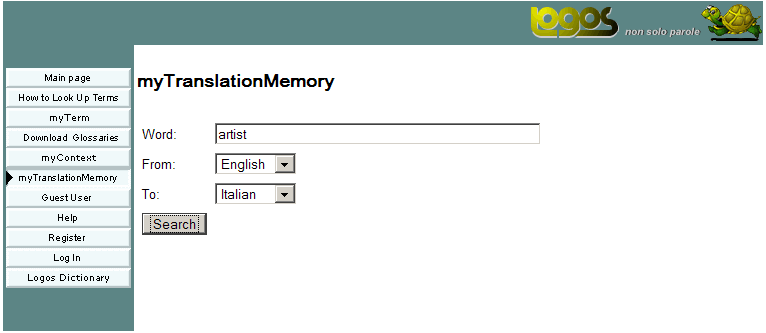
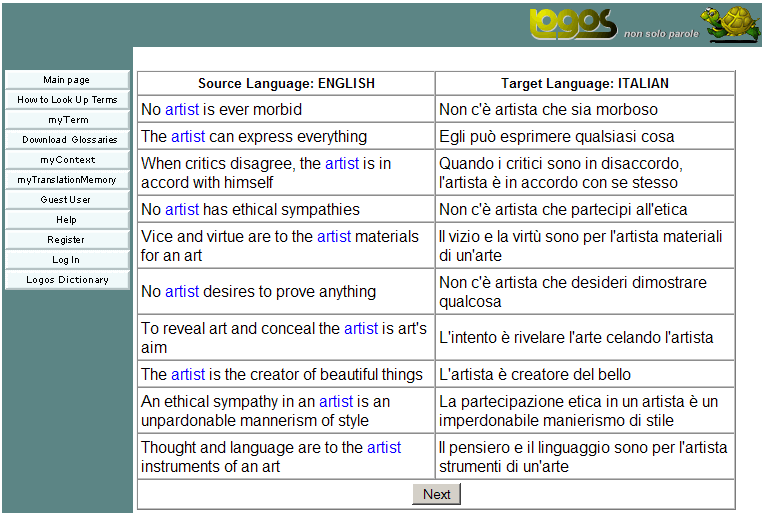
The myTM tool enables users to search for occurrences of a term in a bilingual translation memory. All source language segments which contain the specified term are displayed, along with segments translated into the selected target language. Searching for a term in myTM
The resulting window will contain all segments in which the source language contains the term "rating plate".
|
||||||||||||||||||||||||||||||
 | |||||||||||||||||||||||||||||||
| Copyright © 2007 Logos Group |